
Run and chat with your agent
One command starts your agent on your laptop. Then you open a dashboard in the browser and chat with it. This is the moment it all comes together.
Start everything
From inside your project folder, run:
stackbone devThis one command does the work for you: it starts your agent and a small local database, and keeps them running while you work. The first run is slower because it downloads and starts a few things. Leave it running in this terminal.
When it's ready, it prints a box with an Open Studio link:
╭─ stackbone studio ─────────────────────────────────────────────╮
│ ▸ Open Studio  https://app.stackbone.ai/app/…                   │
│                                                                 │
│   Agent       my-first-agent                                    │
╰─────────────────────────────────────────────────────────────────╯
Open the dashboard
Click the Open Studio link. Studio is the web dashboard for your running project. It opens in your browser, already pointed at the agent on your laptop.
In the left menu, open Agents. Your agent shows up here, read live from the project you just started:
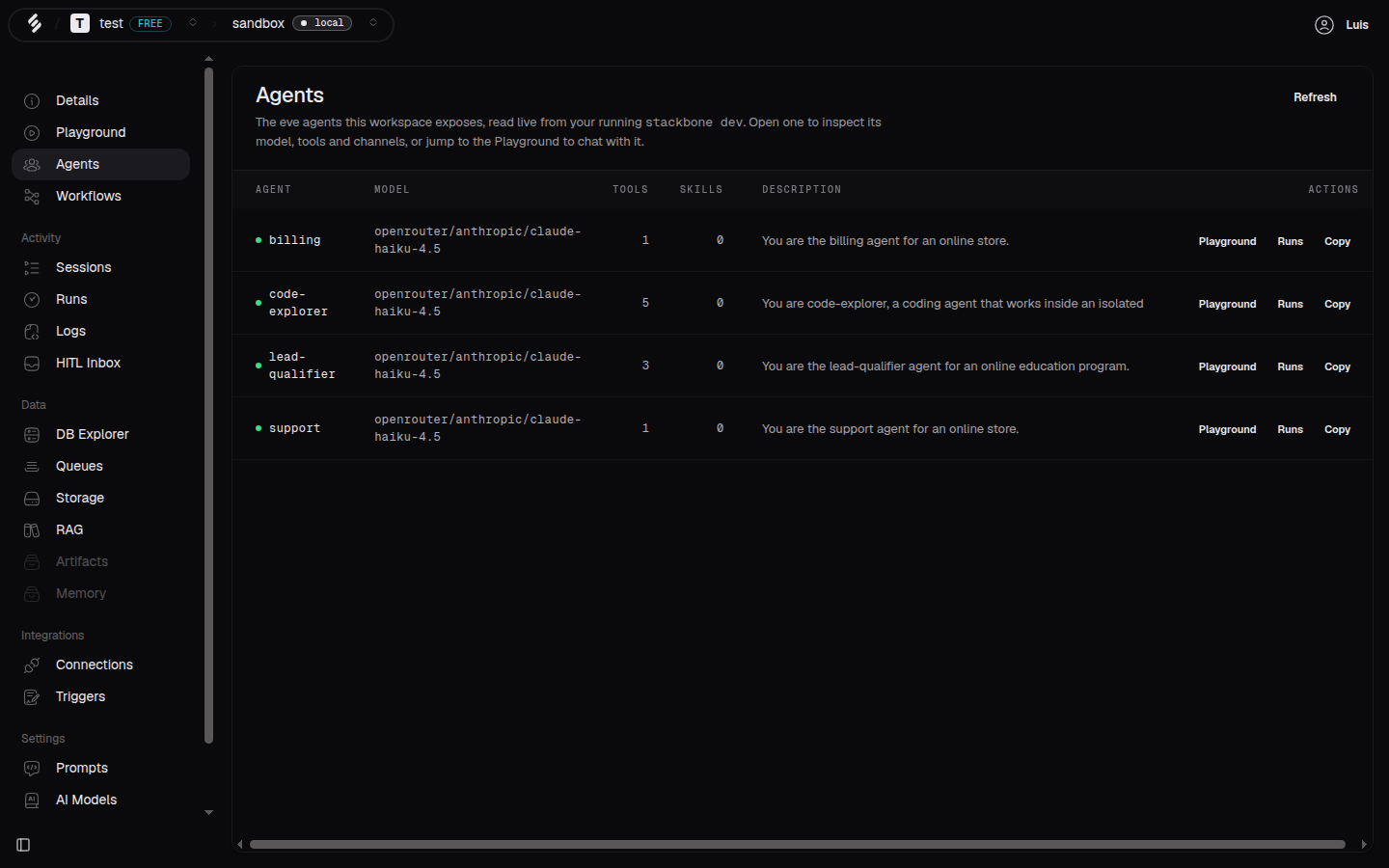 Your agents, listed live from your running project.
Say hello
Now open Playground in the left menu. Pick your agent from the target picker at the top, type a message, and press Enter. The reply streams back in a few seconds:
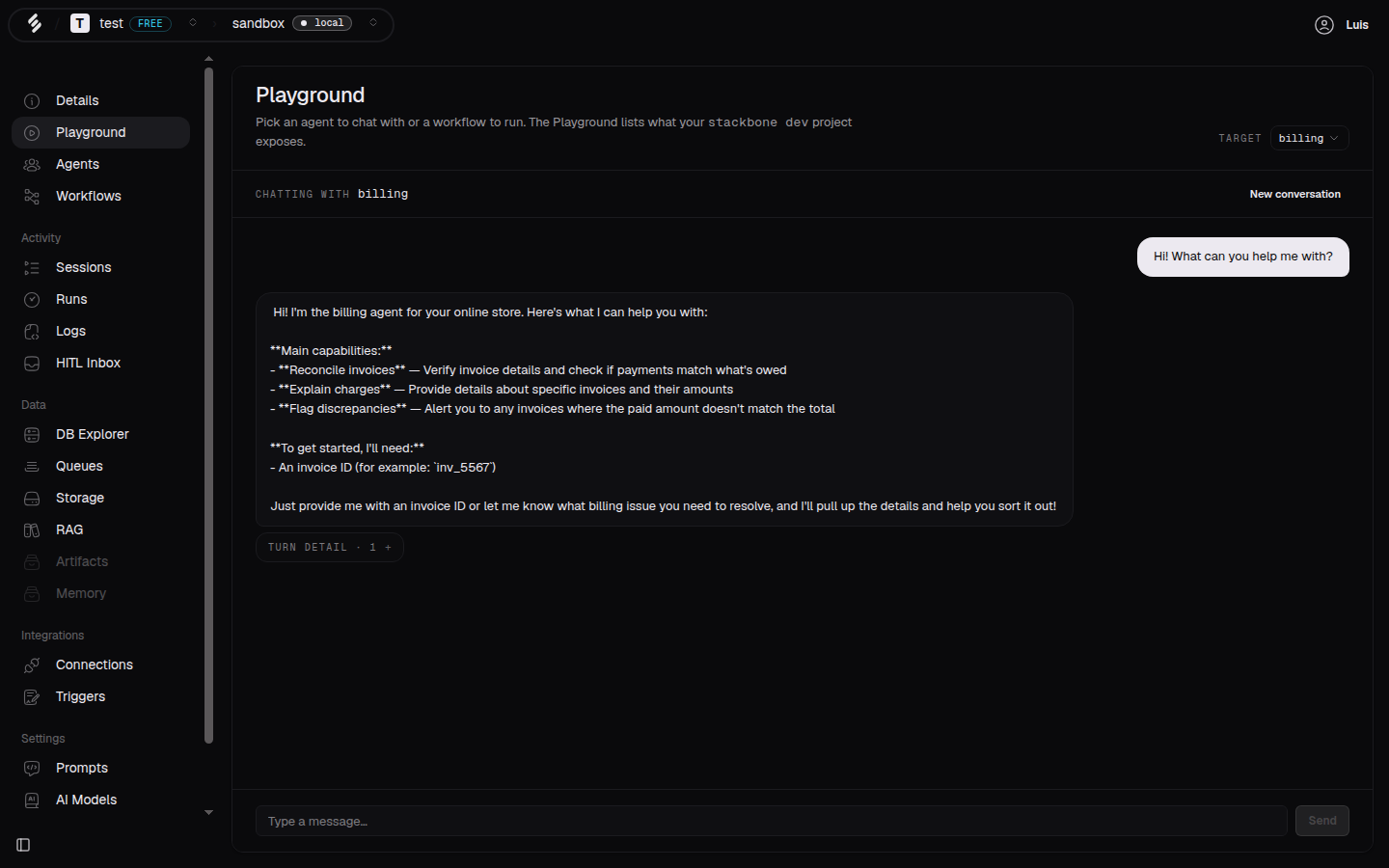 Send a message, get a reply. Your agent is running.
That's a working agent. You wrote no code to get here, and everything ran on your own machine.
Prefer the terminal?
You can also talk to your agent without the browser. Your project speaks the
same wire format as the OpenAI API, so curl works too. Open a second
terminal and send a message, naming your agent in the model field:
curl -N -X POST http://127.0.0.1:4242/openai/v1/chat/completions \
  -H 'authorization: Bearer local-dev' \
  -H 'content-type: application/json' \
  -d '{"model":"my-first-agent","messages":[{"role":"user","content":"hi"}],"stream":true}'
The reply streams back in the terminal. Most people use the Playground while building and the terminal for quick checks.
Stopping
Press Ctrl+C in the terminal running stackbone dev to stop everything. Run
stackbone dev again whenever you want to pick back up.
What's next
- Add your first workflow: add a job that runs in steps.